Phone or camera. One photo per shot, no brackets, no RAW needed.
Listing photos, revealed.
Upload the photos you already have, phone or camera. Minutes later they're back, edited the way a professional Airbnb photographer would. Same room, same furniture, nothing invented. Don't like one? Mark it, fix it, run it again.
No subscription needed for the trial.
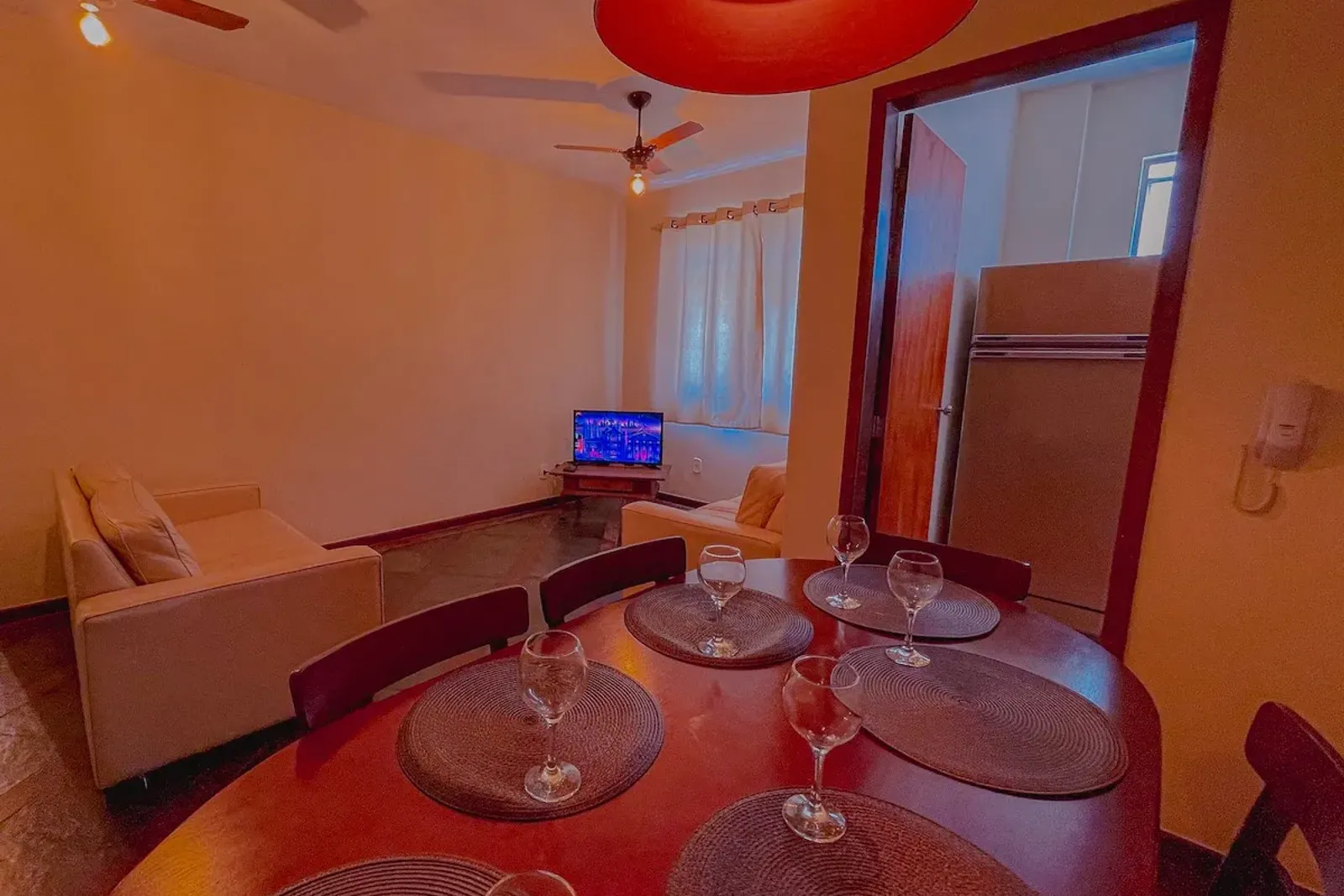
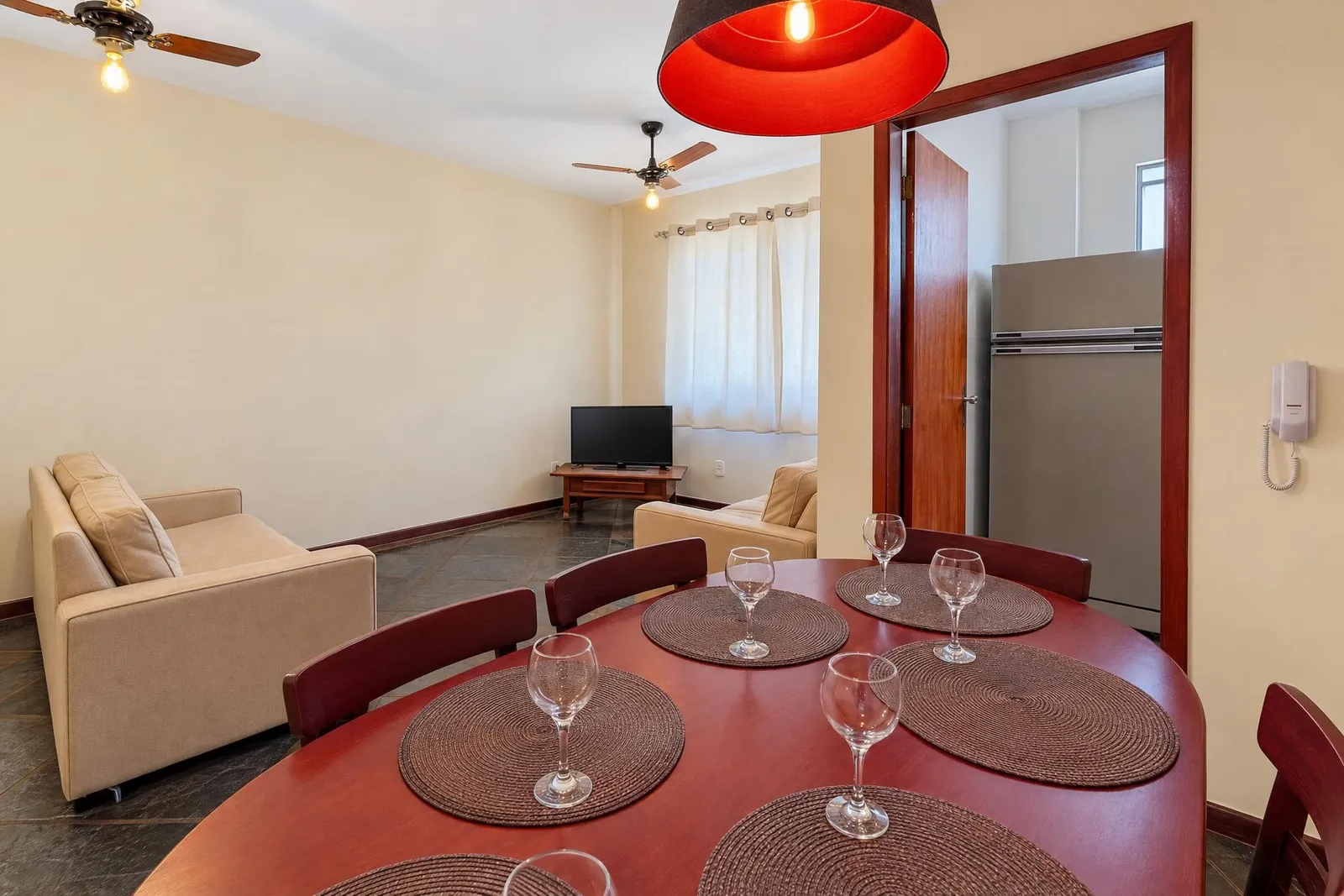
Living room, before and after editing
Built by a working Airbnb photographer and multi-listing host. We've edited these photos by hand for years, we know exactly where they go wrong.
One photo, start to finish
This is the app as it is today, on a phone. Name the listing, pick the rooms, drop the photo in, press play, drag the divider. The processing bar is sped up here; a photo takes under two minutes, ten of them run at the same time, and a whole shoot is ready in under 30 minutes. Nothing else is touched.
It works the whole frame at once, light, color, verticals, clutter, the result a pro gets with brushes and hours, in minutes, and it invents nothing. And it runs on our servers, not in your browser: start the whole listing, close the tab, come back to finished photos.
No brackets, no editor, no file coming back in a week. If one photo is not right, mark it and run it again.
Try 3 photos for $4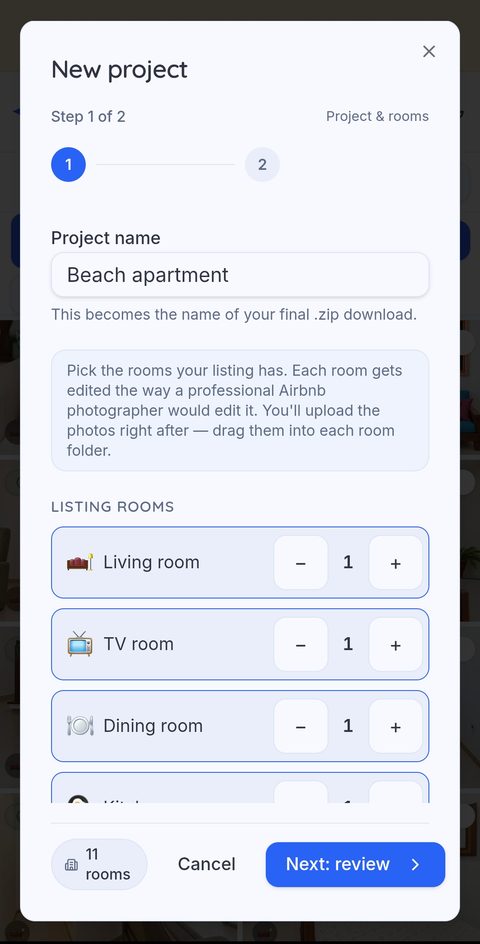
We built it because we were the ones waiting
We run a multi-listing Airbnb operation and shoot every property ourselves. For years each shoot meant five-bracket HDR, a merge, and five to ten days with an editor before a listing could go live.
Glisting replaced all of it. We shoot one frame at exposure zero, upload it, and get photos back in minutes that look better than the ones we used to wait ten days for. No brackets filling the card, no merge, no editor queue.
Before Glisting
- 5 brackets per shot
- HDR merge on the desk
- Editor queue
- 5 to 10 days per listing
With Glisting
- 1 shot at exposure 0
- Upload
- Ready in minutes
- Fix anything with Mark Fix
How it works
Mark Fix: remove the cables
Each room gets its own professional edit: light, color, verticals, clutter you didn't notice. Want something specific? Draw a box with Mark Fix and say what to change before it runs.
Watch photos land one by one, first ones in about two minutes, a full listing usually under 30. Not happy with one? Mark it and run it again. Download everything in one zip.
Real listings. Real before and after.
Four complete projects, every room, exactly as delivered. Click any one to compare.
Room-by-room editing
Every room has its own edit, written by a working Airbnb photographer. A kitchen isn't a bedroom, the prompt knows the difference.
Mark Fix
Draw a box on the photo and type what to change, before it runs, or after you see the result. Upload a photo of your own throw, rug or artwork and Glisting places it where you marked. Fixes come back in about a minute, not in a support ticket.
See the examples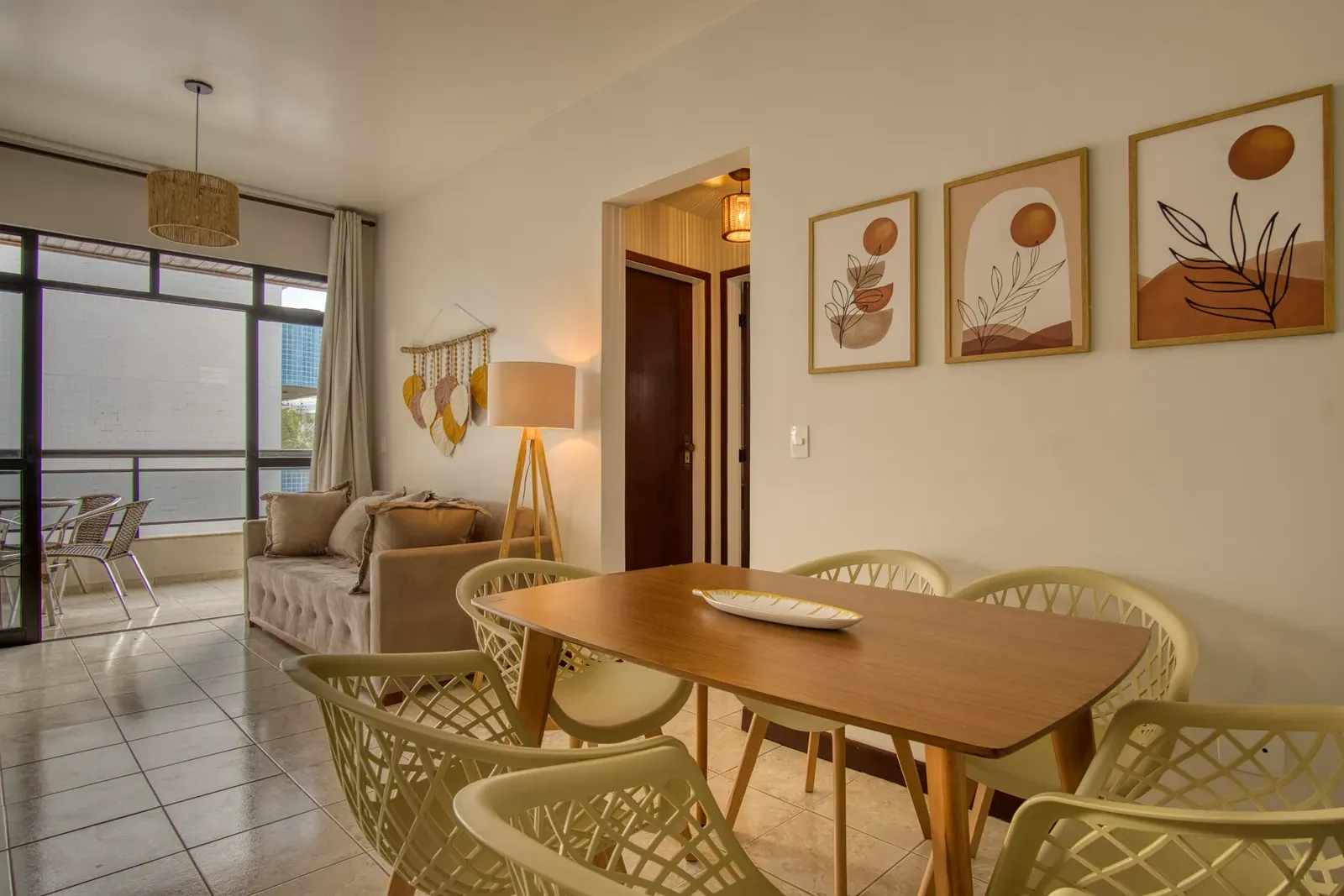
 BeforeAfter
my-rug.jpg placed here
Included in every edit · 1 credit
Bedding
One blanket color. Every bed in the listing. Pick the color, mark the bed, and every bedroom matches, from any camera angle, as long as the pillows are in the frame. The detail guests notice and hosts never have time for.
Works from any angle. The pillows need to be in the frame.
Seven colors to pick from, sky through terracotta. These four bedrooms all asked for the same beige.
How Bedding works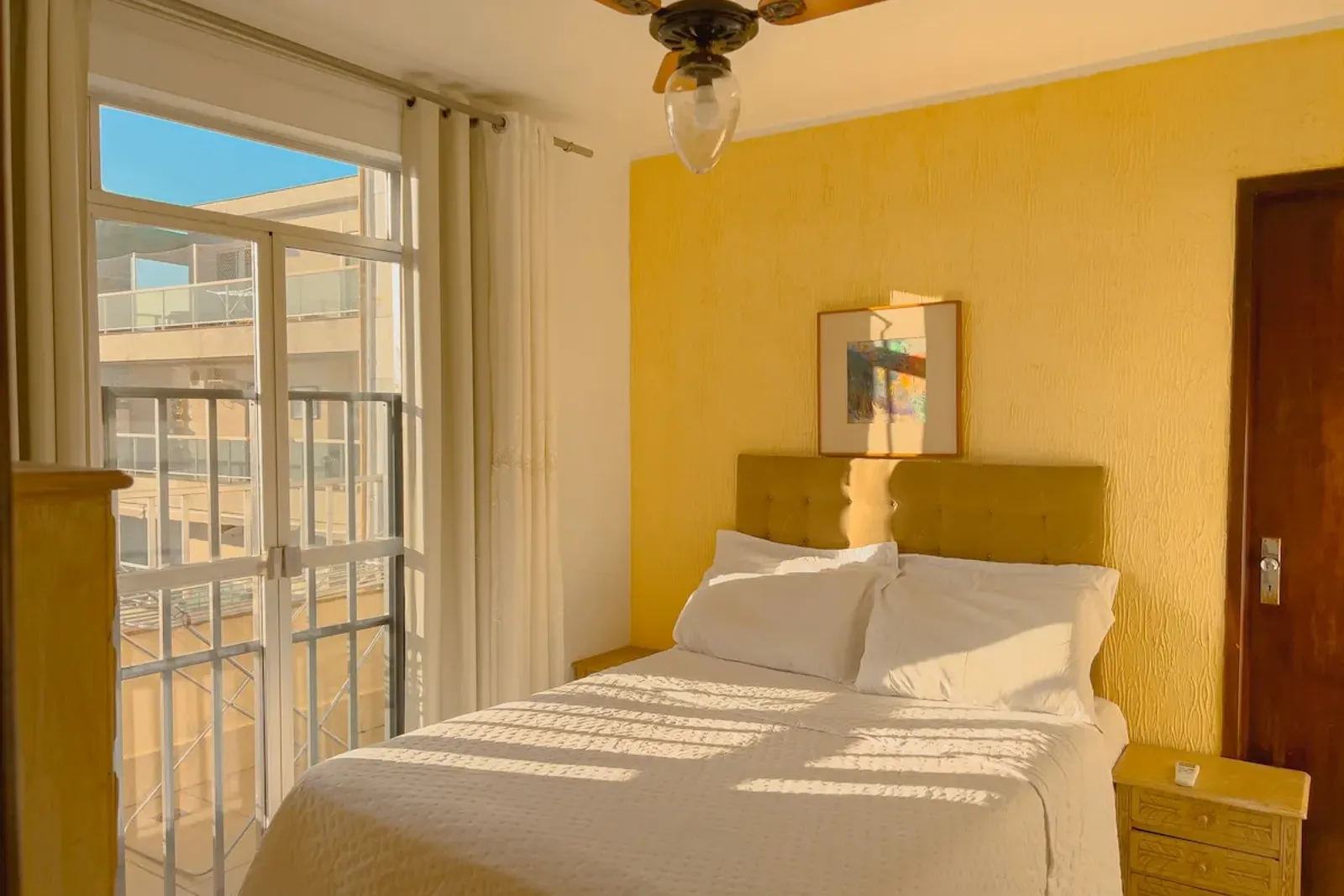
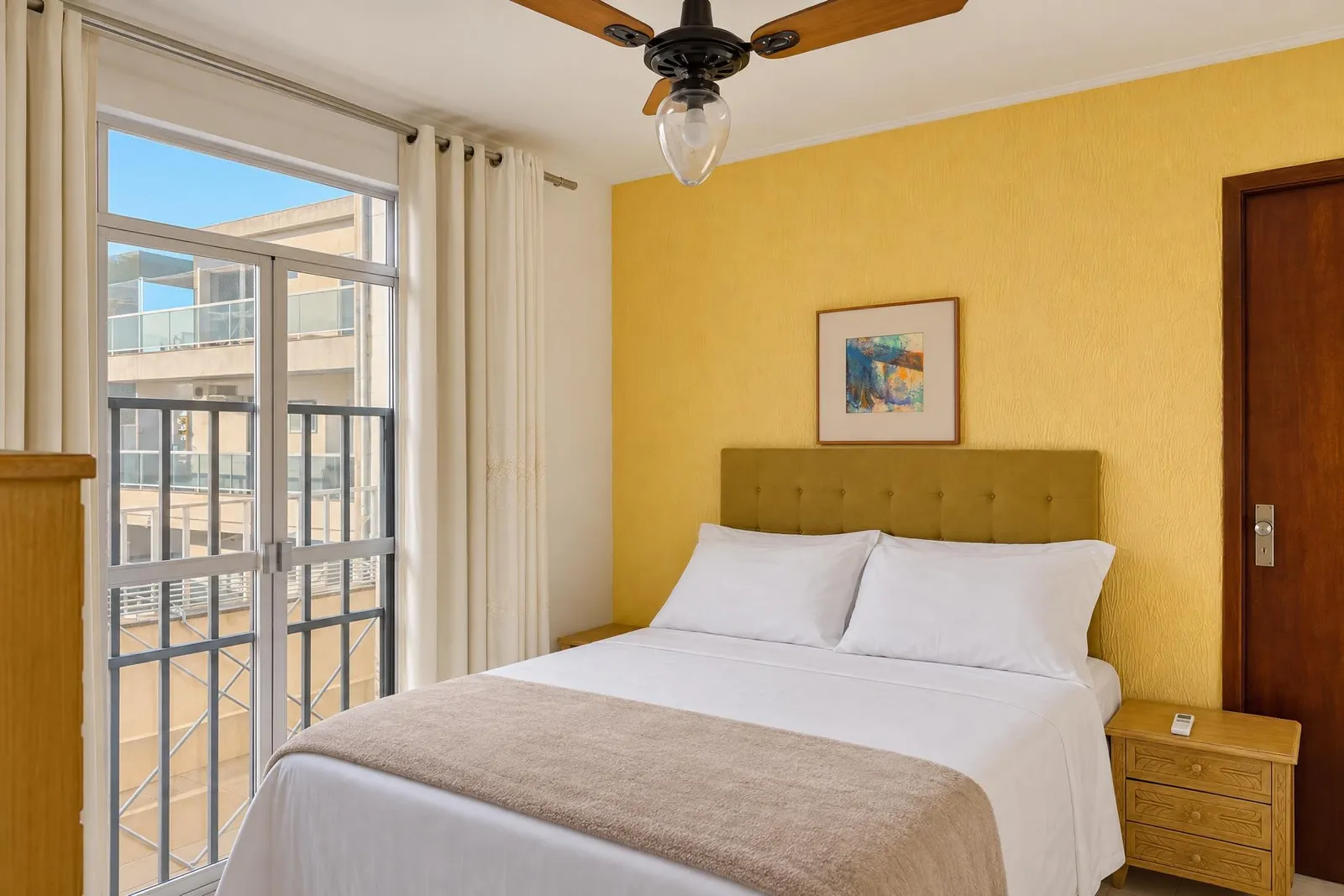
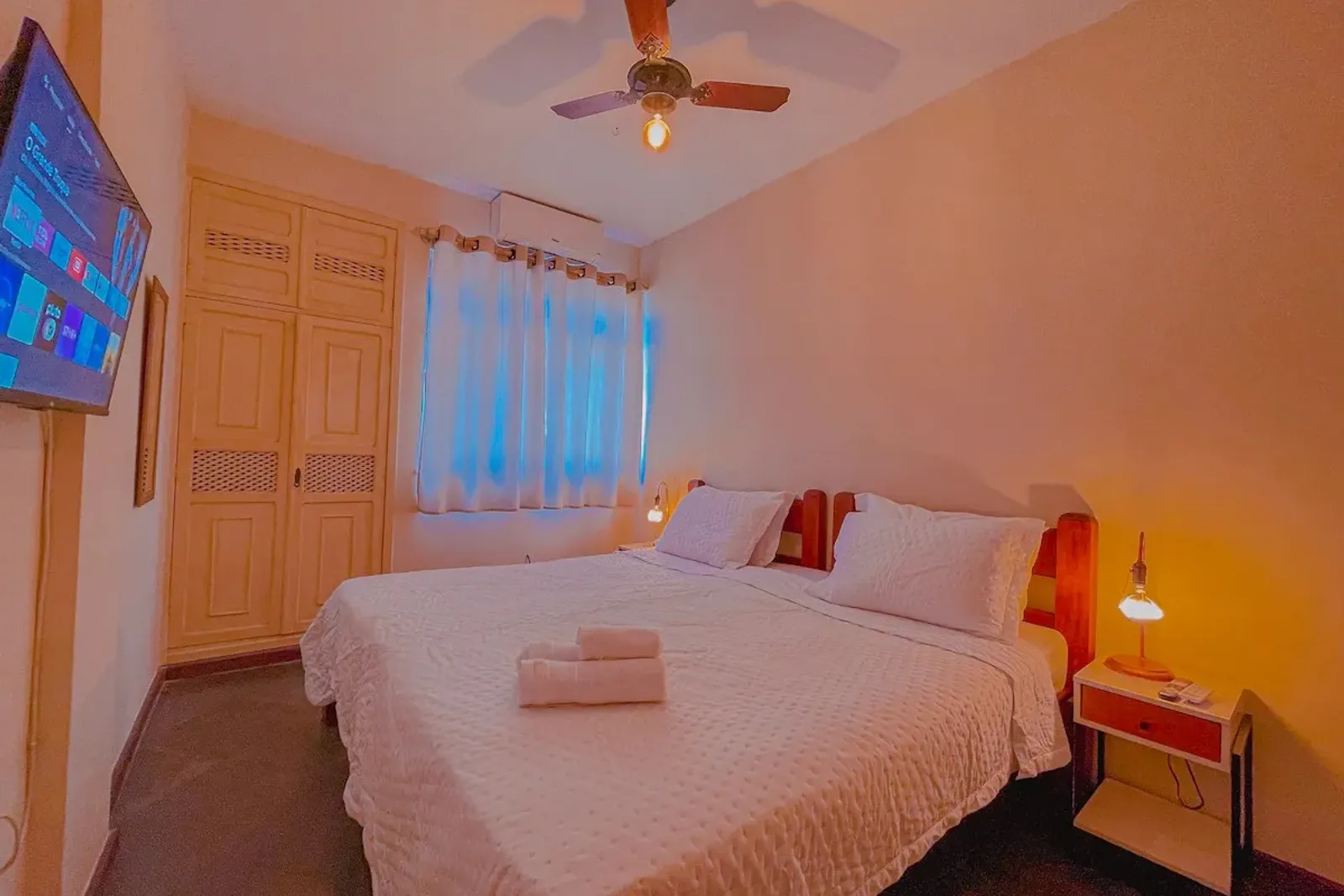
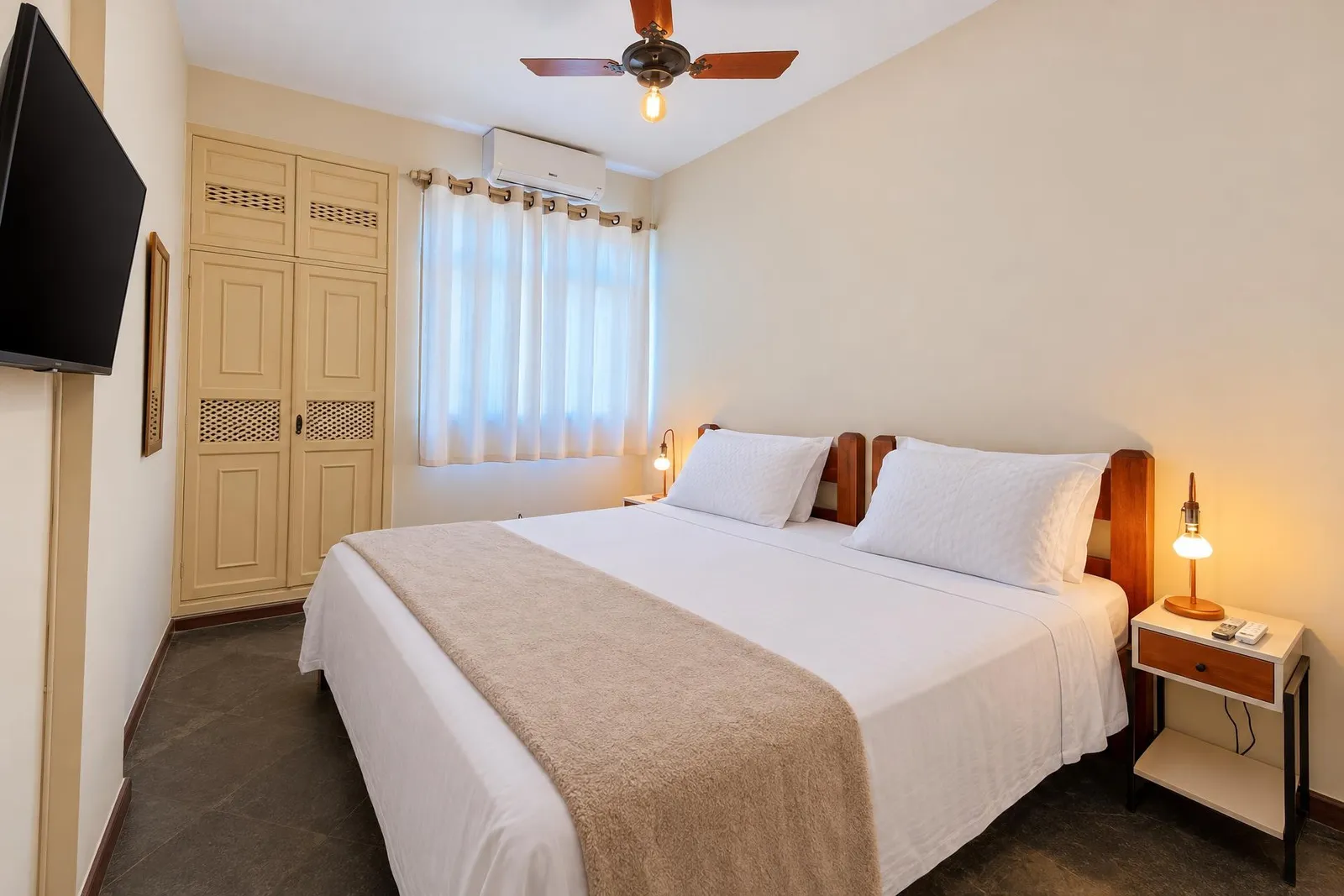
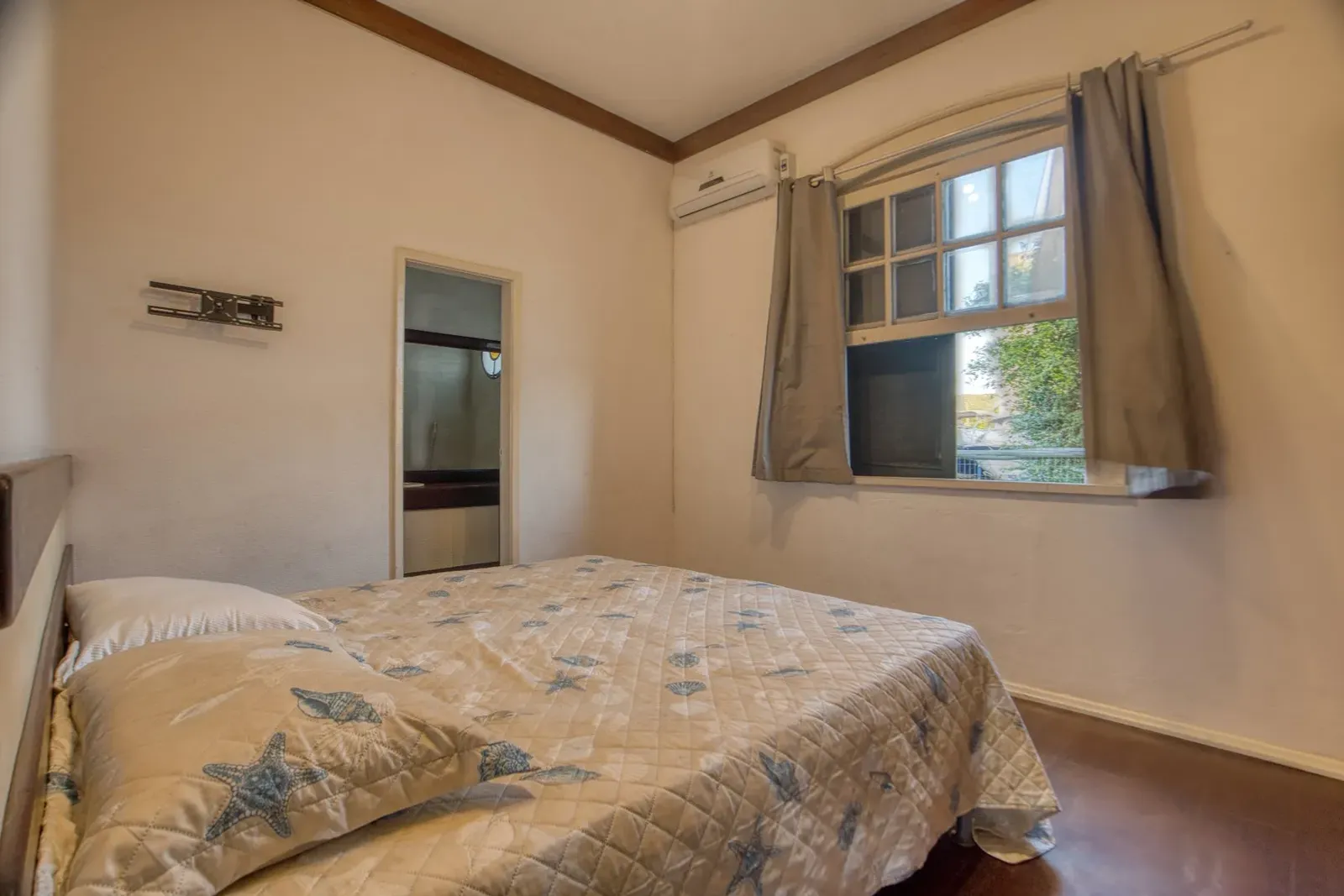
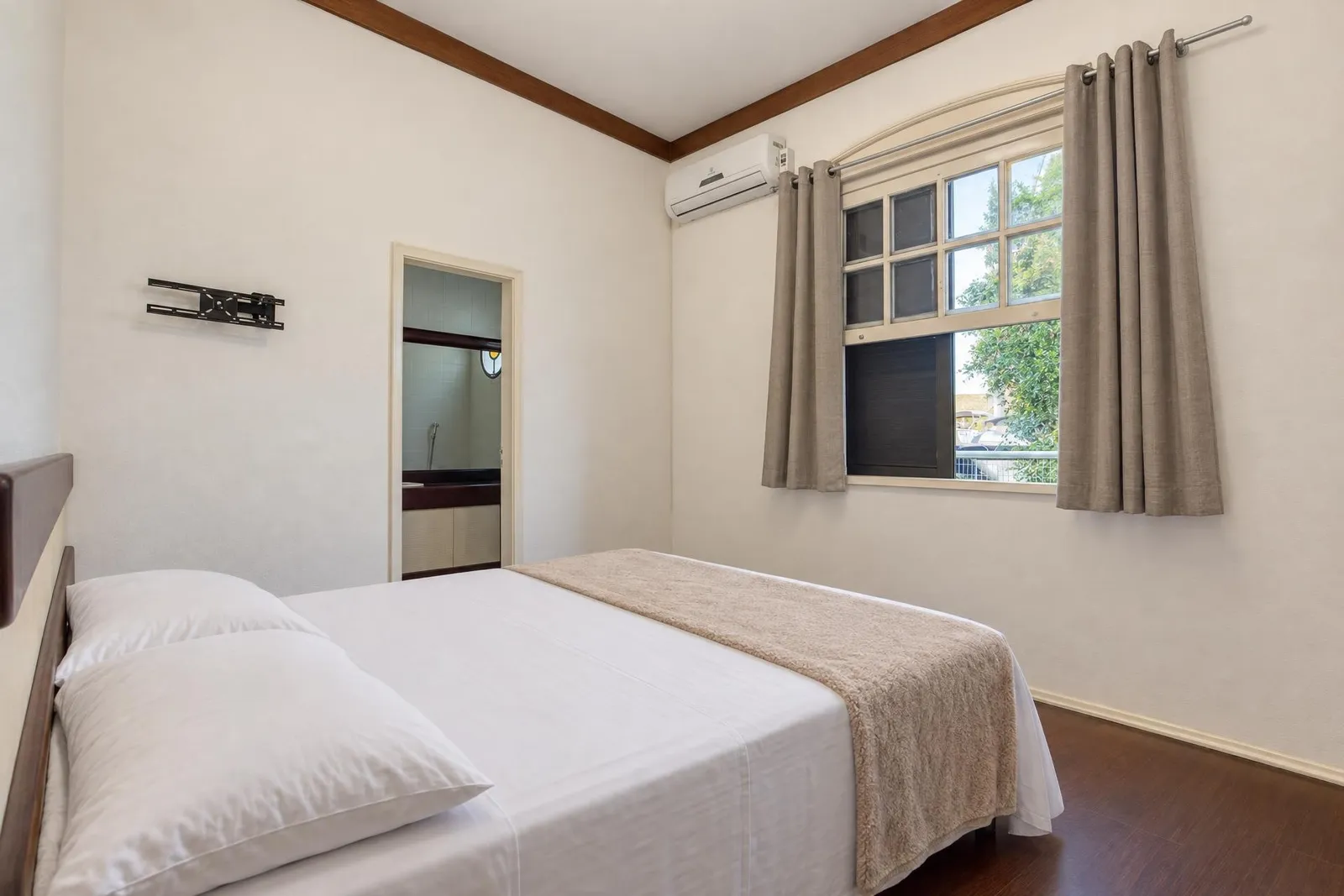
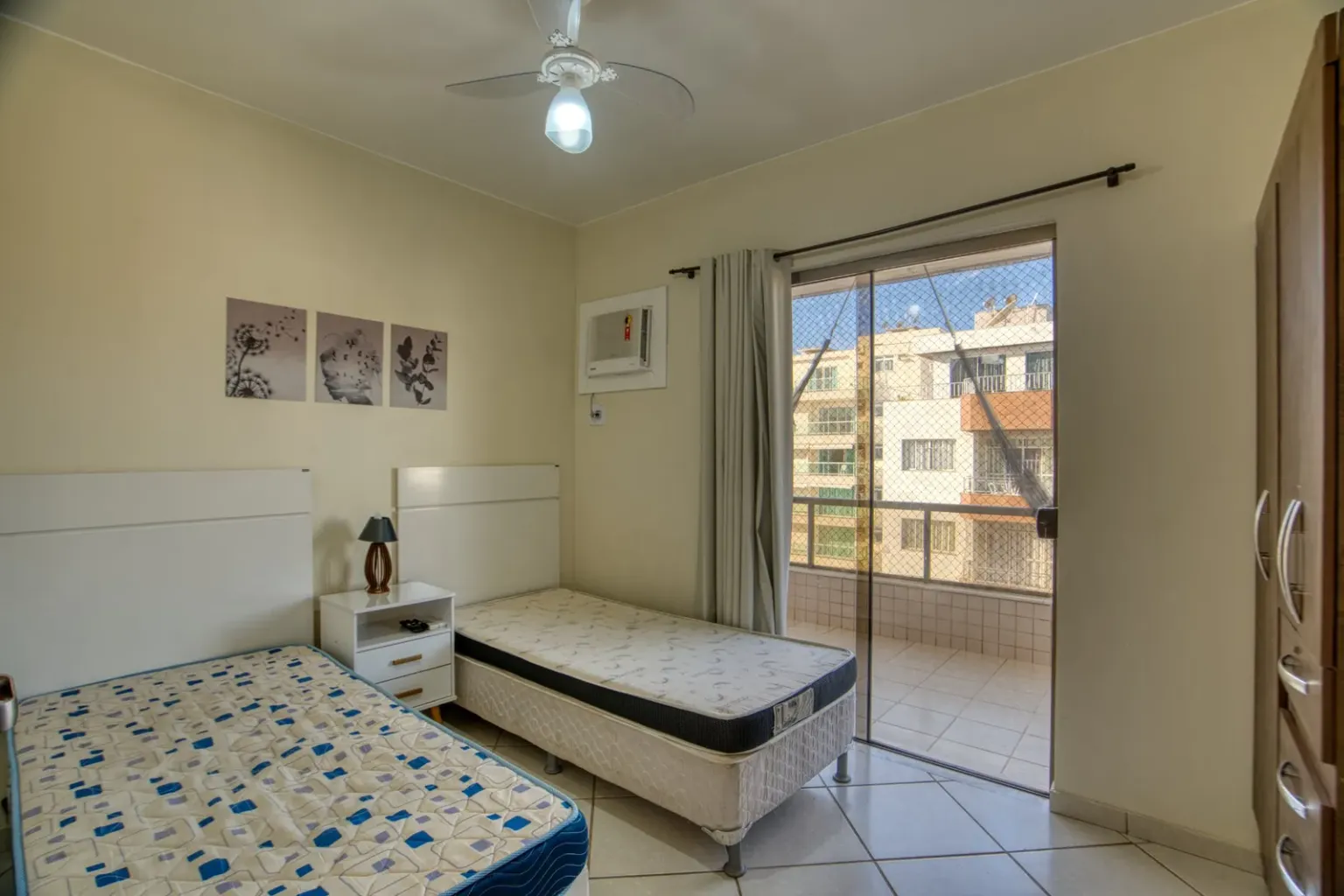
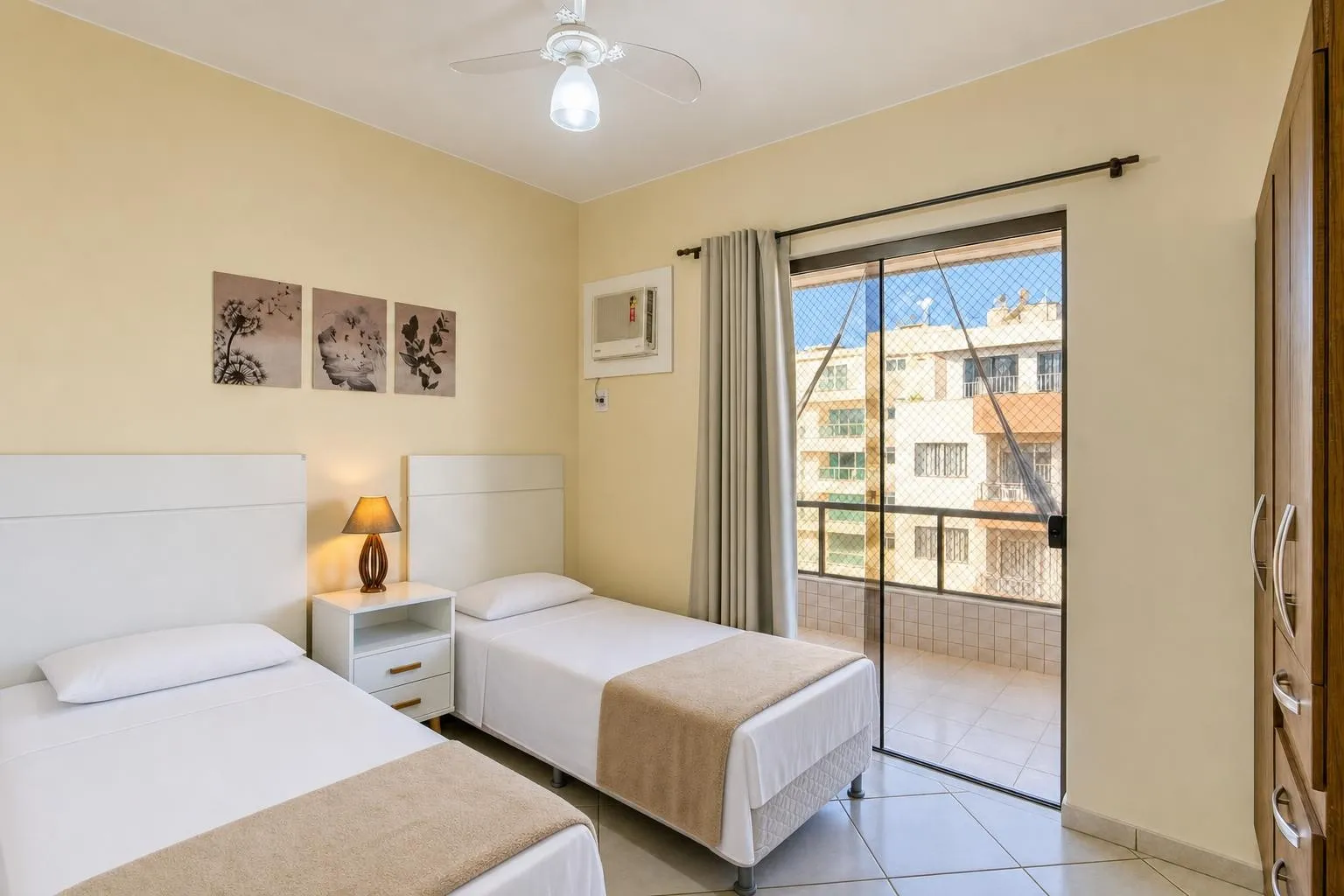
Four bedrooms, four camera angles, four different properties. Drag any one of them.
1 credit per final shot
More shots
More shots of what's already in the room. Glisting frames the sofa, the headboard, the dining table, details and angles taken from your own photos, never invented.
How More shots worksYour photo
Enhancement, not invention
You stay in control of what's in the picture. Your photos stop looking like a phone took them.
What Glisting does:
- Fixes exposure and color
- Straightens verticals
- Cleans what shouldn't be there
- Smooths what is worn: a scratched table, a creased bed
- Turns a grey sky into a clear one, unless you say keep it
- Styles the bed
- Frames details from your photos
- Places the items you upload, exactly where you mark
What Glisting never does:
- Add anything you didn't ask for
- Swap what's there for something else
- Change walls, floors or layout
- Generate a room you didn't photograph
1 credit = 1 edited photo · See all plans
Will my photos still look like my place?
Yes. Glisting edits the photo you took; it doesn't redesign the room.
Do I need a real camera?
No. Phone photos work. Better input still gives better output.
How long does it take?
First photos in about two minutes; most listings under 30. You watch them arrive one by one, no waiting for a batch or an editor.
Do I need to keep the app open while it works?
No. Processing runs on our servers, not in your browser. Start the whole listing, close the tab, and come back to finished photos.
Can I change something in a photo?
Yes. Draw a box with Mark Fix, say what to change, or upload a photo of your own item to place there. It runs again in about a minute.
Does Bedding work from any angle?
Yes, on any camera angle, the only rule is that the pillows must be visible in the photo.
What is a credit?
One credit is one edited photo, bedding included. More shots uses 1 per final shot.
Is this allowed on Airbnb?
Glisting enhances your photos without adding or removing what's in the room. You're responsible for keeping your listing accurate, and Glisting is built to make that easy.
What if I don't like a result?
Run it again with Mark Fix. A failed edit returns its credit; a delivered one is not refunded (see Refund policy).